
Features
All features
How to sign up as an affiliate, join a business, and switch between them.
This guide is for people promoting a business, not for merchants. You do not need a merchant account, and you can promote several businesses from one login.
A business shares one invite link. If you are new, it takes you to sign up. If you already have an affiliate account, signing in through it joins you to that business — no second account, no duplicate.
Some businesses approve affiliates by hand. If so you will see a banner saying your application is being reviewed; if not, you can start immediately.
Your dashboard shows clicks, referred orders, what you have earned and what is still to be paid — for the business you are currently viewing.
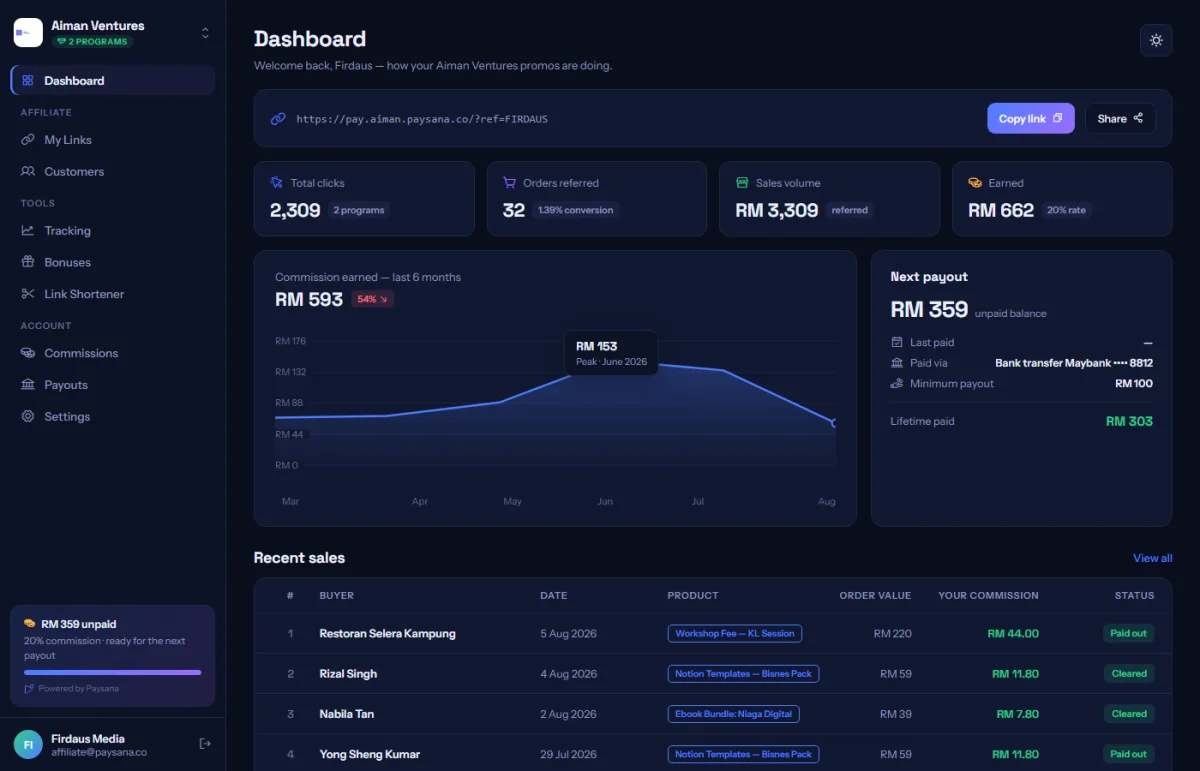
If you promote more than one, the switcher at the top of the sidebar changes which programme you are looking at. Every page follows it, so you are never mixing two businesses’ numbers.
Join the businesses already using Paysana to collect payments, send invoices and grow.