
Features
Integrations Pricing Developers Guides

Set up an after-sale sequence

A follow-up drip that queues itself the moment an order is paid.

Growing 1 min read 4 steps 1 screenshots

A sequence is per product. Each step has its own channel, delay and wording, and the whole thing schedules itself when someone buys — you never trigger it by hand.

1

Open the Sequence tab

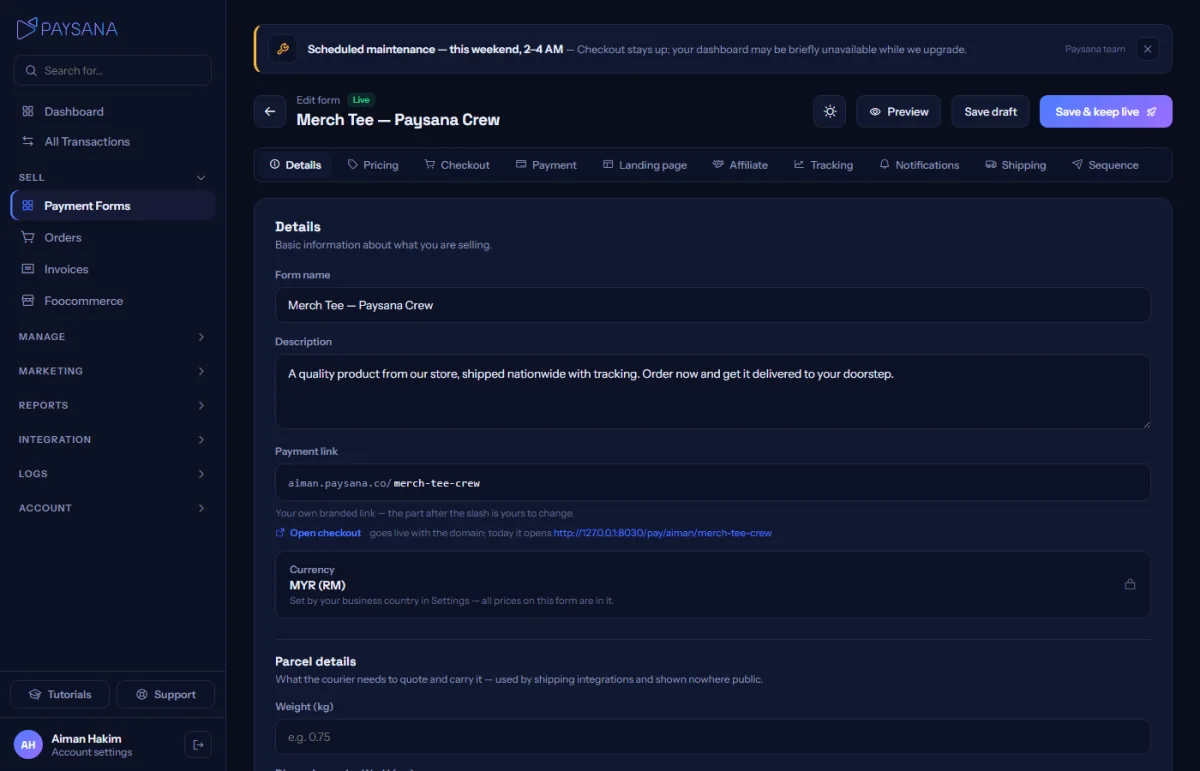
It sits on the form editor, so each product can follow up differently. New forms start from suggested four-step copy rather than an empty timeline.
app.paysana.co
The sequence editor: a numbered timeline with per-step channel, delay, subject and a pause switch.
2

Build the steps

Set each step’s delay, pick email or WhatsApp, and write it. The label is internal — the subject is what the buyer sees, so fill both in. Reorder or pause any step without deleting it.

3

It queues on payment

When an order is paid, every enabled step is queued with that buyer’s details already filled in. Because wording is fixed at queue time, editing the sequence changes future orders only — already-queued messages keep what they were scheduled with.

4

Watch what went out

Sends appear in Logs → Marketing alongside your campaigns and reminders, so you can see exactly what a buyer received and when.

Worth knowing

  • Email steps use one credit each; WhatsApp steps are free, because they leave through your own connected sender and your provider already bills you.
  • A WhatsApp step with no sender connected is kept but marked as unable to send, rather than being quietly rewritten into an email.

Read next

Still stuck? Send us a message and a person will answer — usually within one working day.
Contact us

Ready to try it?
Start free today.

Join the businesses already using Paysana to collect payments, send invoices and grow.

Free plan forever · No card to sign up · Your own gateway
We use cookies to measure how this site is used and how well our advertising works. They are optional — the site works exactly the same either way. Read our privacy policy.