
Features
All features
Book a real shipment from the order, with tracking emailed automatically.
Couriers are the one integration family where you can connect several at once — they do different jobs, and you pick per order.
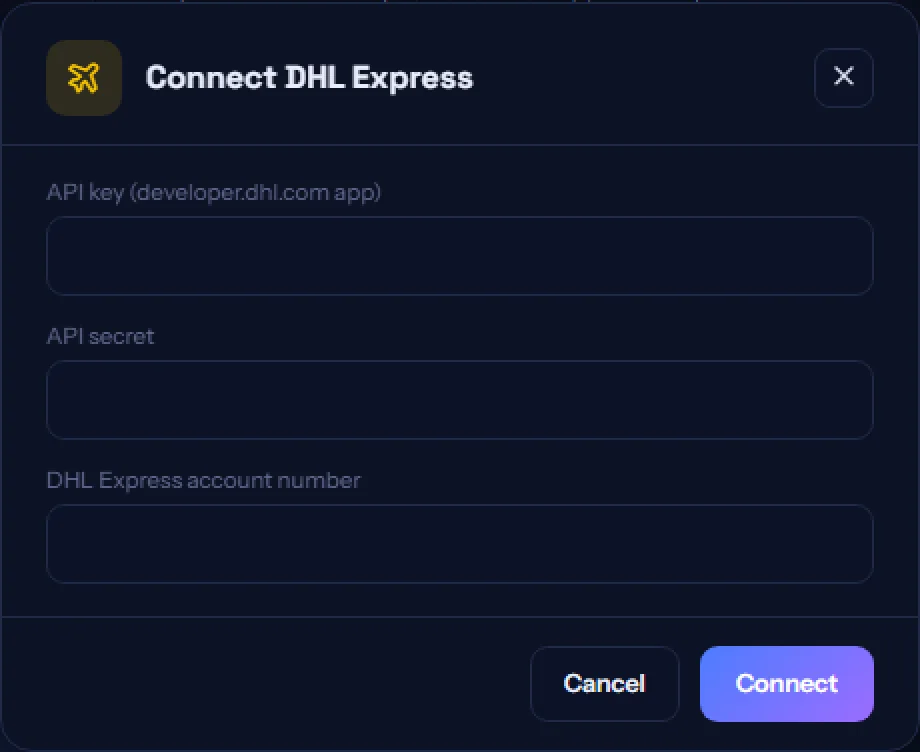
The Shipping tab lists the supported couriers. Connect with your own account credentials so their rates and terms apply to you, not to us.
Your business address in Settings is the pickup address, and weight and dimensions live on each product’s Details tab. A basket sums the line weights for you. Both are checked before a booking is attempted.
Any unfulfilled physical order shows one button per connected courier. Booking uses the address the buyer entered, so nothing is re-typed and nothing is mistyped.
The tracking number is saved on the order, emailed to the buyer and sent to any webhook you have set up — the same path as marking an order shipped by hand.
Join the businesses already using Paysana to collect payments, send invoices and grow.