
Features
All features
Bring your own provider so buyer money lands in your account, not ours.
Paysana never holds your money. You connect a payment provider you own, buyers pay into it, and it settles to your bank on that provider’s schedule. This is the step that turns a published page into one that can actually take money.
Integration in the sidebar lists everything you can connect, grouped into tabs — payment gateways, email marketing, WhatsApp senders, couriers and accounting. The Payments tab shows only the providers available in your country, so a provider that does not operate where you are is never offered.
Open the provider you use and paste the keys from their dashboard. We check them on connection, so a wrong or swapped key is caught immediately rather than at your first sale. Secrets are stored encrypted and shown back masked, so nobody reading over your shoulder can lift them.
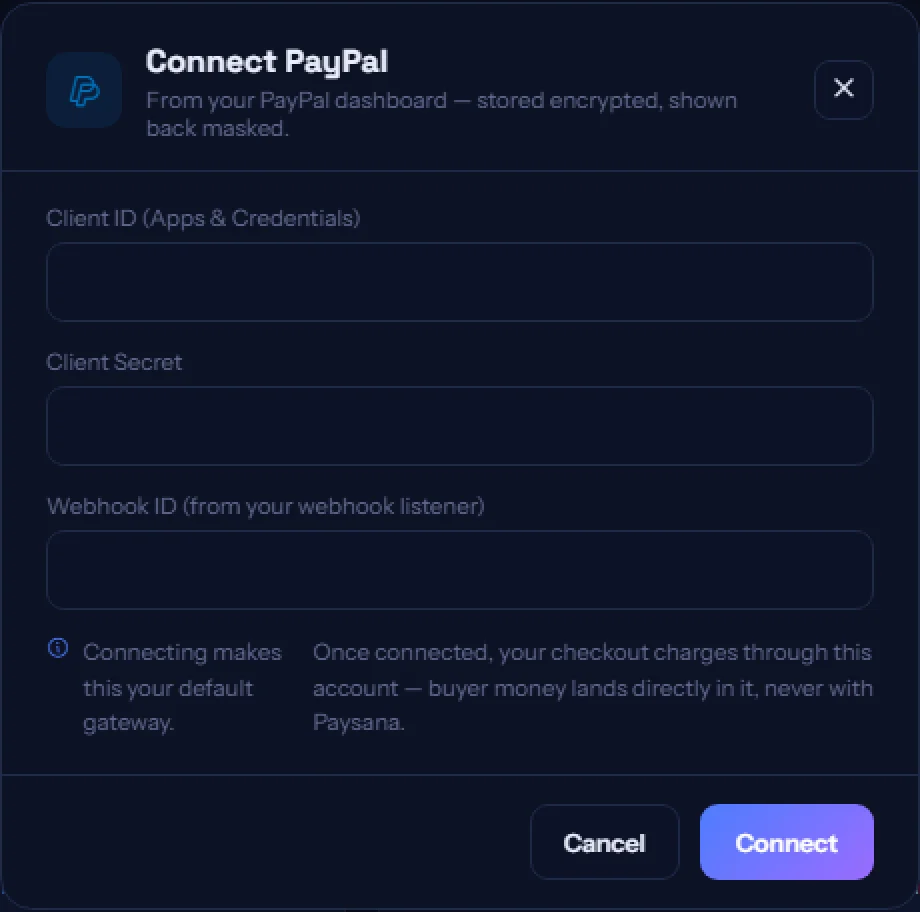
You can connect two gateways. The first becomes your default and the second a backup that takes over automatically if the default has an outage. You can swap which is which at any time, and disconnecting the default promotes the backup so you are never left holding only a spare.
Your checkout offers exactly the methods your provider supports — card, bank transfer, e-wallets — and nothing it does not, so a buyer never picks a method that would fail. Review them on the Payment tab of any form.
Join the businesses already using Paysana to collect payments, send invoices and grow.