
Features
All features
Variants, custom questions, shipping, notifications and the tabs behind them.
Every tab in the form editor changes what buyers see or what happens after they pay. This is what each one is for.
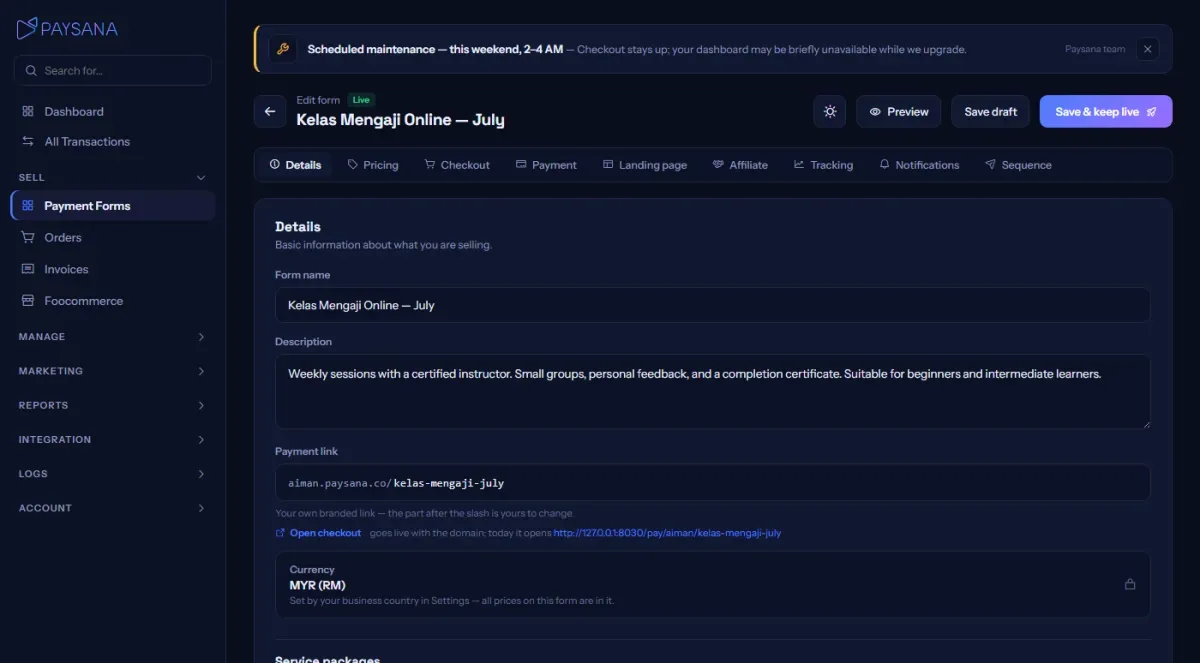
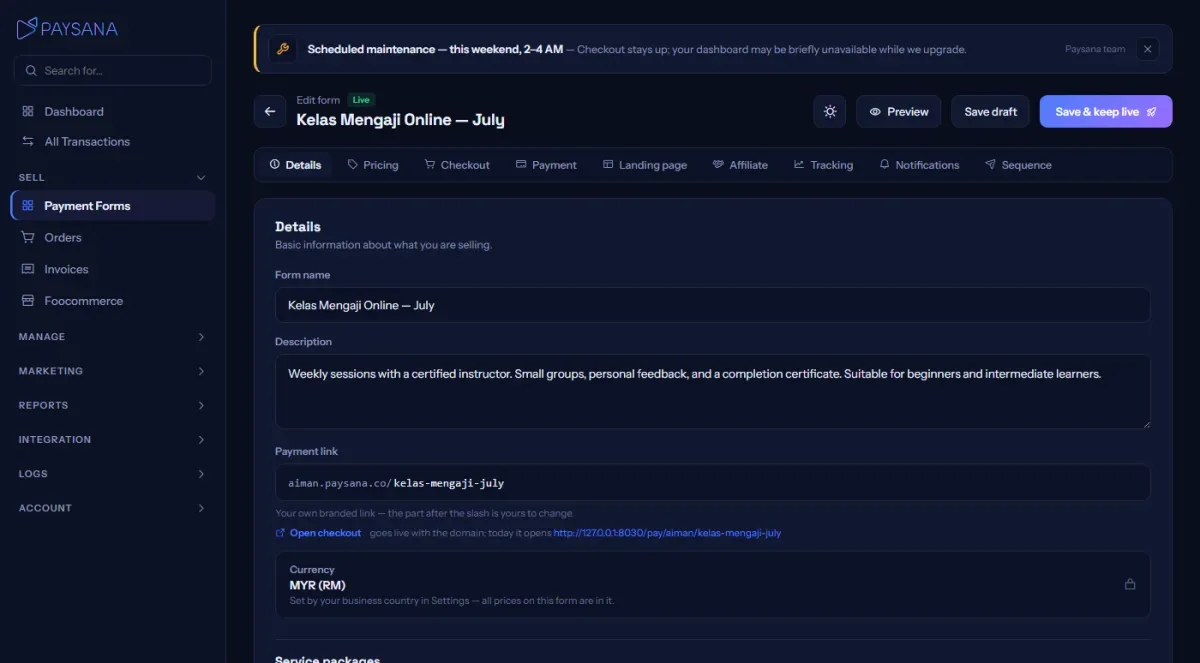
Name, description, photos and the fields specific to your type: parcel weight and dimensions for products, event date and venue for tickets, the file or link for a digital download. Products and services also get the variants builder here.
Set the price, a compare-at price to show a saving, and stock. With variants, stock is counted per variant and the single stock box disappears so there is only ever one number to trust. Choose which coupons apply here, or leave it open to all of them.
Name and email are always collected. Add a delivery or billing address, a note field, and up to six custom questions of your own. The wording of each question is saved onto the order, so changing it later never rewrites what a past buyer was asked.
Toggle the methods you want to offer. Only the ones your connected gateway supports appear, and the same check runs when a payment is taken, so an old toggle for a method you no longer support can never reach a buyer.
Four buyer emails — payment confirmed, payment failed, order shipped and refund issued — each with wording you can edit. The factual part of each email is fixed; you control the message around it. Receipts and other transactional mail are never charged against your credits.
Join the businesses already using Paysana to collect payments, send invoices and grow.