
Features
Integrations Pricing Developers Guides

Charge tax and print your registration numbers

Name your own tax, set the rate, and decide whether it is added or included.

Account & billing 1 min read 4 steps 1 screenshots

You charge your own tax and you name it yourself, because the right name and rate depend entirely on where you operate. It is set once for the whole account, not per product.

1

Open your tax settings

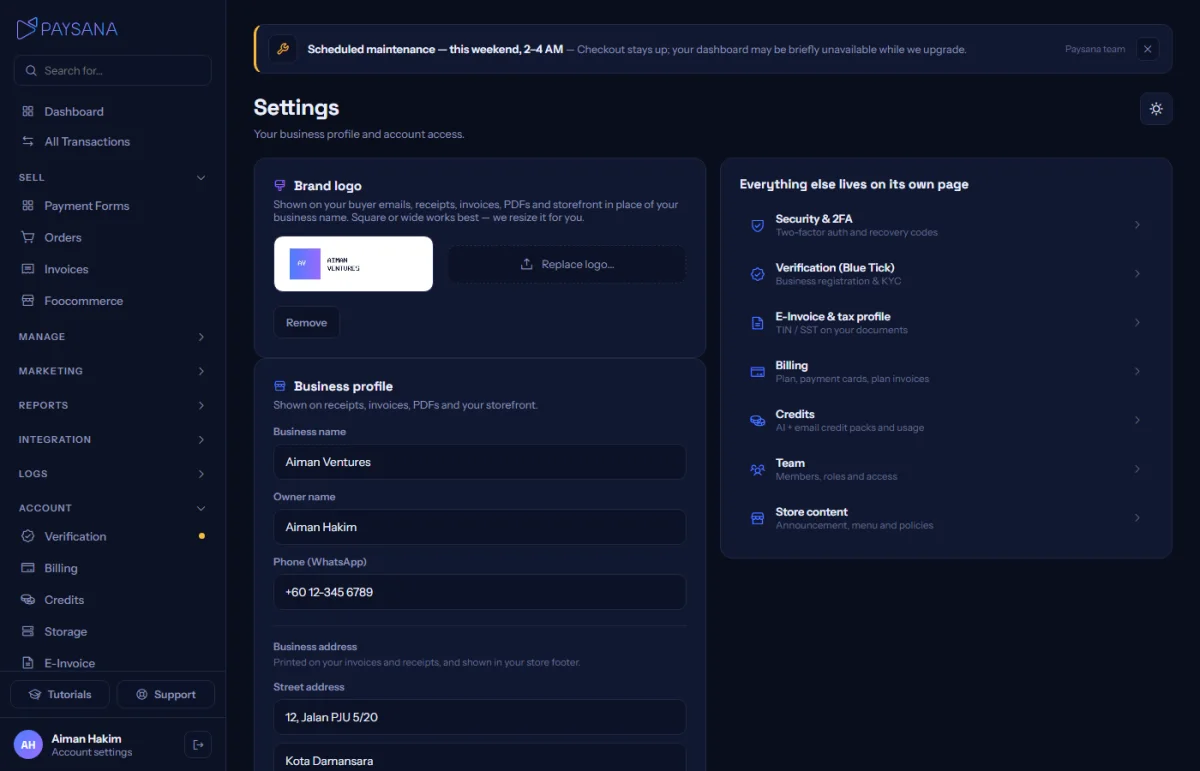
They live on Settings, because one business has one tax rule. Switch tax on, give it the name your customers expect to see, and set the rate.
app.paysana.co
Tax settings: your own label, your own rate, and whether it is added on top or already included.
2

Choose added or included

Added means the tax goes on top of your price and the total moves. Included means your price already contains it and we simply show how much of it is tax — the total does not change. This is the setting people most often get wrong.

3

Decide about shipping

Whether shipping is taxable differs by jurisdiction, so it is a separate switch rather than an assumption.

4

Add your registration numbers

Separately from the charging rule, the E-Invoice page holds the registration numbers that print on your documents. Those are identifiers, not a rate — filling them in does not charge anybody anything.

Worth knowing

  • Turning tax on at 0% is refused rather than saved — a tax line that charges nothing would just confuse buyers.
  • Past orders keep the tax they were charged. Changing your rate never rewrites history.

Read next

Still stuck? Send us a message and a person will answer — usually within one working day.
Contact us

Ready to try it?
Start free today.

Join the businesses already using Paysana to collect payments, send invoices and grow.

Free plan forever · No card to sign up · Your own gateway
We use cookies to measure how this site is used and how well our advertising works. They are optional — the site works exactly the same either way. Read our privacy policy.